Build Sites & Apps with AI,
The Right Way.
A vibecoding starter guide, for non-coders.
Is this for you?
This is for you if...
- ✓You have an idea but zero coding background
- ✓You've tried ChatGPT or Cursor and got frustrated
- ✓You watched tutorials that skipped steps you needed
- ✓You want to build something real, not a tutorial clone
- ✓You're willing to put in 90 minutes of focused work
This is NOT for you if...
- ×You want someone to build it for you
- ×You're looking for a get-rich-quick shortcut
- ×You expect instant results with zero effort
- ×You have a solid end-to-end workflow, from idea to deployed app
You have an idea. Getting it built is another story.
No coding background? Not sure AI is really the answer? No idea where to start, or whether it even goes anywhere?
Maybe you've already dipped your toes in. And now the water feels deeper than you expected.
You're closer than you think. You just need a clear path.
BOOT
BOOT is a 6-lesson self-paced course that takes you from zero to a working app using AI, without writing code yourself. You build your actual project as you watch. 90 minutes of focused content.
What you'll be able to do after each lesson.
Every step ends with a real outcome. No abstract theory, no filler content.
Set up your environment right
Tools installed, project configured, and ready to build from day one. No more 'it works on their machine but not mine' situations.
Understand how AI coding tools actually work
Stop fighting the AI. Learn how to communicate with it so it gives you what you want, not a vague approximation of what you kinda-sorta asked for.
Use the Project Kickstart method
Define your project in a structured way so AI understands exactly what you're building before a single line of code is written.
Build your first page without touching the code
You describe it. You review it. You approve it. Your first real page, built by you, through AI.
Fix errors without panicking
Every project breaks. Learn the method to diagnose and resolve issues calmly, without random Googling or asking AI to guess.
Deploy so anyone can access your app
Your app on a real URL. Free hosting. You'll have something to show people by the end of this lesson.
They were exactly where you are now.
No coding background. Real projects. Now launched.
“I kept thinking I was too non-technical for this. Two weekends later I sent my first client a link to my own site.”

Marc Delacroix
Built: Consulting portfolio + booking page
“I was paying a developer $200 for every small update. Now I do it myself in 10 minutes. That alone paid for this.”

Aisha Osei
Built: Freelance booking and invoice page
“I'm 47, not a tech person at all. I kept waiting for the moment it would get too complicated. It never did.”

James Whitfield
Built: Client reporting dashboard
“I'd tried Cursor twice and got nowhere. By lesson 3, I had something live. The method is what made the difference.”

Sarah Mercer
Built: SaaS waitlist page
“90 minutes did more for me than 6 months of scattered YouTube tutorials. I finally understand what I'm doing.”

Priya Lakhani
Built: Inventory tracker for her small business
“I never thought I'd be the one building tools for my own business. It still feels a little unreal honestly.”

Rafael Santos
Built: Internal order tracker for his restaurant
What changes after 90 minutes with the right method.
Before
- ×Not sure if you even have the right tools installed
- ×Every tutorial skips the 10 steps you actually need
- ×Lost in error messages you can't decipher
- ×Asking AI to fix bugs it created
- ×Dependent on developers for things you should control
After
- ✓The right tools, installed and configured from the start
- ✓You finally understand the full process, from idea to live app
- ✓You can explain how your app is built
- ✓A working app on a real URL, built by you
- ✓No developer needed for your next idea
How the course works.
Designed for people who've been burned by courses that wasted their time.
6 video lessons
Self-paced. Watch when you want, pause when you need. No live sessions required, no scheduling pressure.
Build as you watch
Not a demo project. Your actual idea. You apply each lesson directly to what you're building.
90 minutes total
Focused content. No 3-hour modules where the first hour is re-introduction. Every minute has a purpose.
Lifetime access
Tools change. Revisit any lesson when you start a new project or need a refresher on something specific.
Something no other vibecoding course does:
I teach the things developers assume you already know, because I didn't know them either. I'm not a developer who learned to simplify. I'm a non-coder who figured this out from scratch. No assumed knowledge. Everything explained.
BOOT
Vibecoding for Non-Coders
A fast, focused introduction to vibecoding. Learn the tools, understand the process, and build your first website or app with AI, properly.

Your Instructor
I'm not a developer. That's exactly why I can teach you this.
I'm Alcor. A self-taught obsessive who goes deep on everything I touch.
When I started vibecoding, building software with AI tools, I approached it the way I approach everything complex: obsessively, methodically, until I understood it at a level most people don't bother with. I studied developer best practices, reverse-engineered professional workflows. I built things that actually hold up.
The tutorials I found skipped over things that felt obvious to developers but weren't to me. I know exactly where non-coders get stuck, because I got stuck there.
You don't want a senior engineer. You want someone who came from where you are and went deep enough to teach it properly.
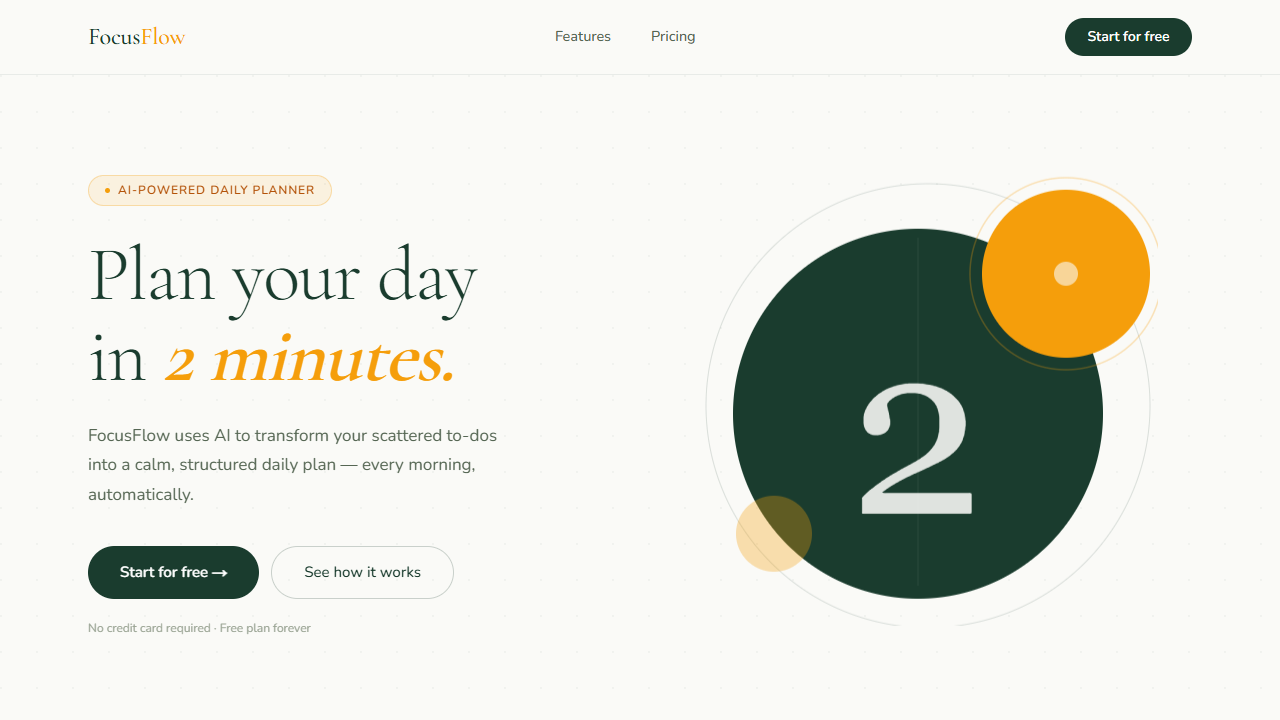
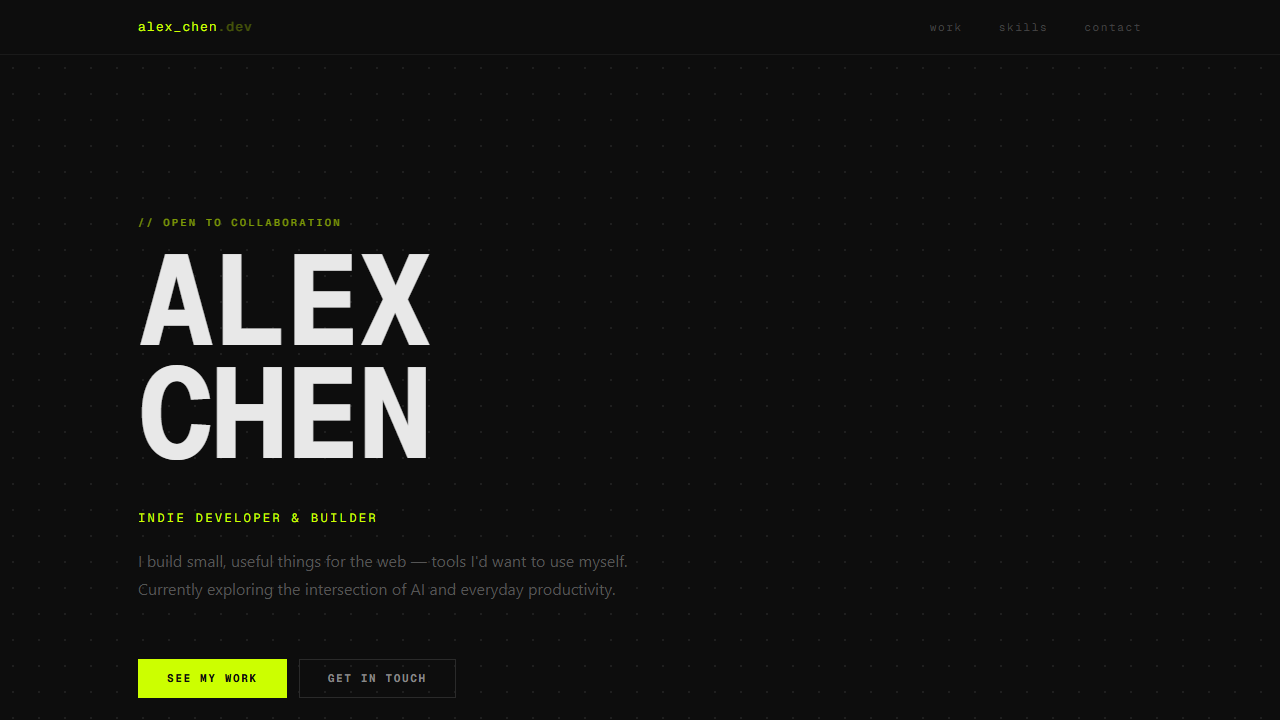
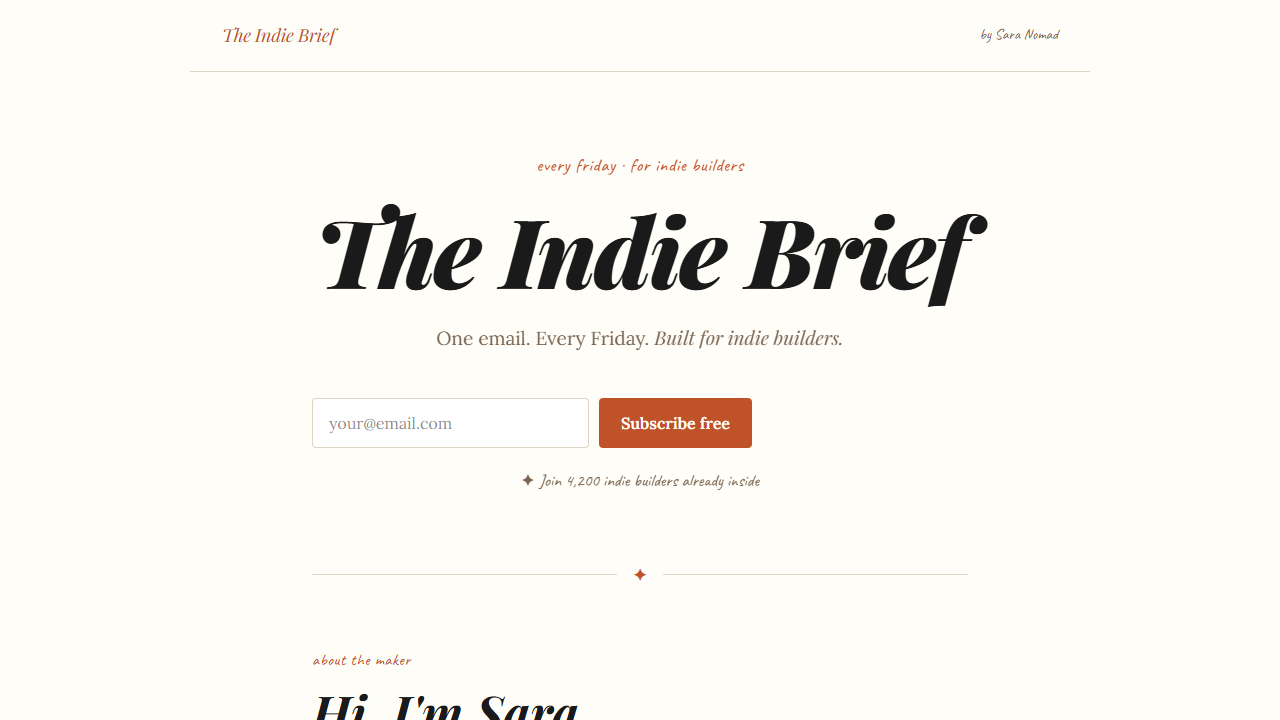
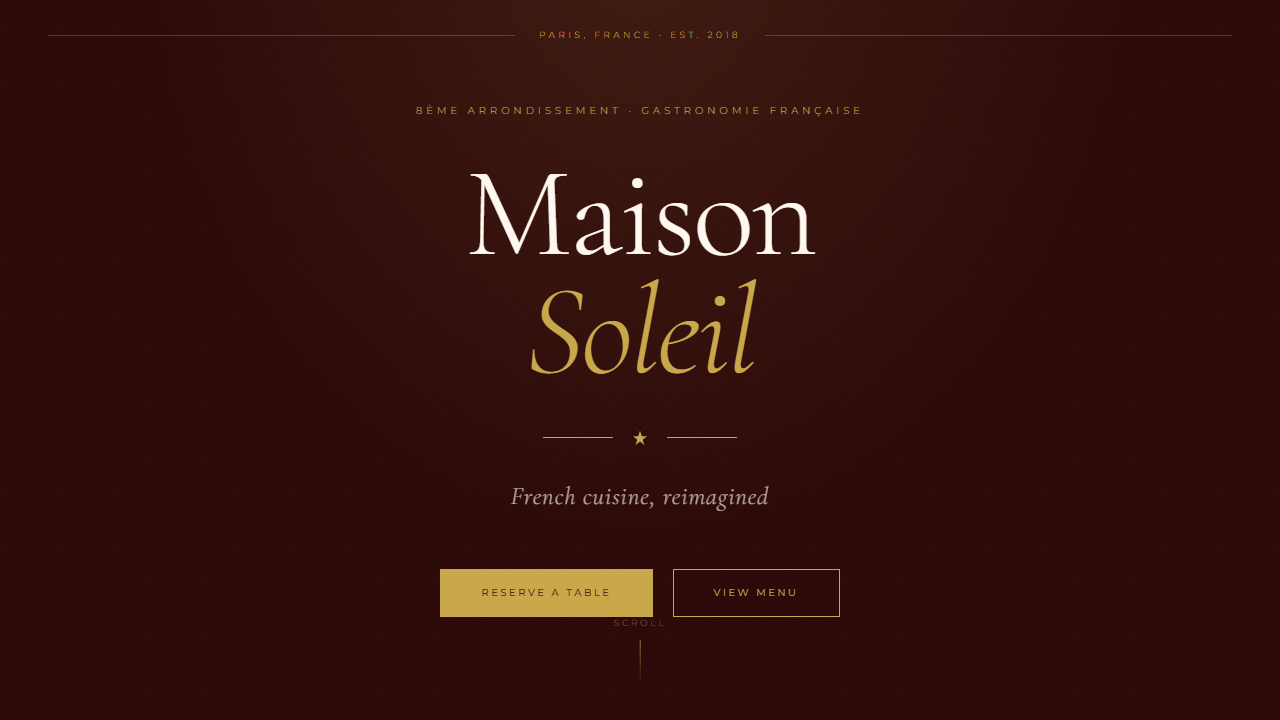
The 4 most-built project types.
If you're learning to build with AI, chances are one of these is exactly what you have in mind.
Questions you're probably asking right now.
Every unanswered question is a reason not to start. So let's answer them.
None at all. Boot is designed specifically for non-coders. You don't need to know what a variable is, how a server works, or what any programming term means. We start from zero.
You can reach out directly. I check messages regularly and will help you get unstuck. You're not going through this alone.
Yes. The course teaches you how to think and work with AI — how to structure a project, communicate with it, understand what it's doing. That understanding doesn't expire when tools change.
The course is 90 minutes total. You can finish it in one sitting or spread it across a weekend. There's no weekly schedule, no deadline.
If you complete the first 3 lessons and feel it's not the right fit, I'll refund you. No complicated process, no questions asked.
Your actual project, not a tutorial demo. The course walks you through a real build. By the end, you'll have a live app on a real URL that you created.
Ready to build something real?
One course. One method. One working app by the end.
What's included
- ✓6 video lessons (90 min total)
- ✓The Project Kickstart method
- ✓Build your actual project as you watch
- ✓Lifetime access, revisit anytime
- ✓Private community access
- ✓Direct support when you're stuck
One-time payment. No subscription. No hidden fees.
Not satisfied after 3 lessons? Full refund, no questions asked.
1-on-1 Coaching
Prefer to work with me directly?
If you want hands-on help rather than a self-paced course, book a session. I work with you, on your machine, on your project.
15 min
Discovery Call
Not sure where to start? We talk, no pressure. You tell me what you want to build, I tell you if I can help.
1 hour
Starter Kit
We set up your full vibecoding environment together, live. Tools, config, workflow — everything ready before we hang up.
Build with AI, learn with a human.

“I've spent years learning complex things in unconventional ways. The one constant: a good framework changes everything. That's all BOOT is.
A framework I wish someone had handed me on day one.”
Alcor, Vibecodit founder